

Why Fixing the Product Feed Didn’t Restore Your Suspended Google Merchant Center Account
March 16, 2026
Google Ads vs Meta Ads: Key Differences Explained (2026)
March 18, 2026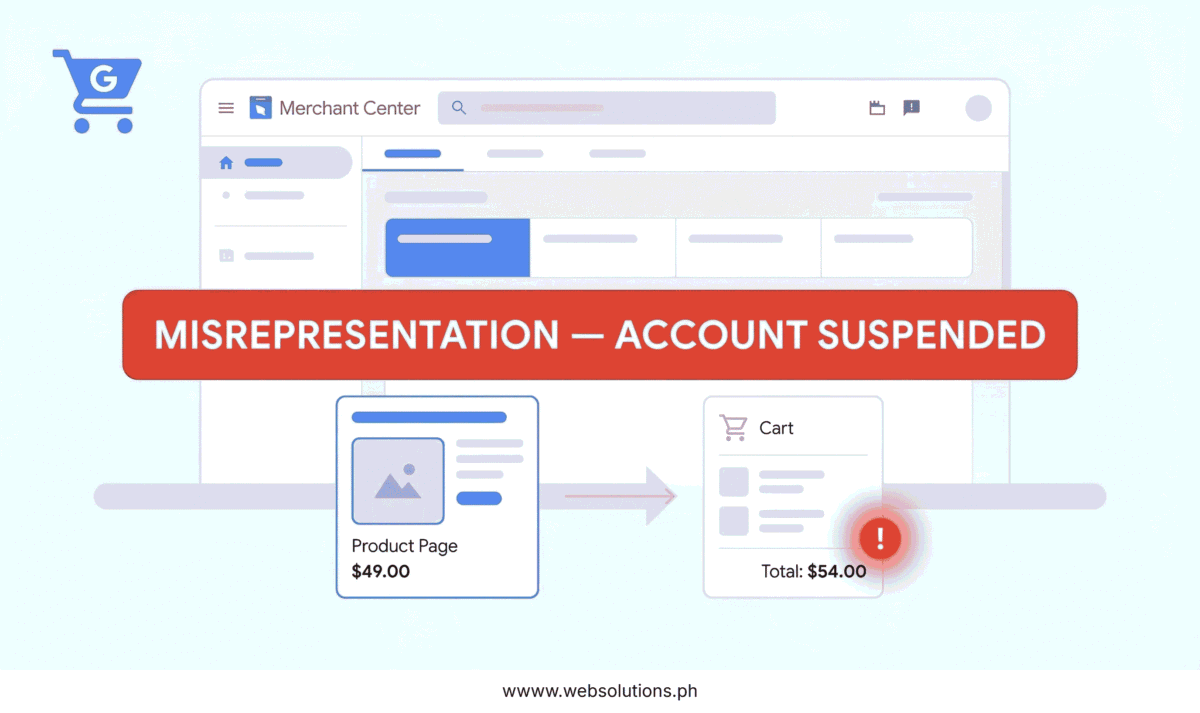
If your Merchant Center account just got flagged for misrepresentation, the first thing most people do is open their product feed and start editing. Titles, descriptions, prices — they go through the whole thing looking for something off. And sometimes that’s the right move.
But in my experience managing Google Shopping campaigns for clients, the feed is usually not where the real problem is.
Google’s October 2025 policy clarification made something explicit that had been quietly enforced for a while: misrepresentation isn’t a feed violation. It’s a store trust violation. And those are two very different things.
Here’s what the enforcement system is actually reviewing.
Google Simulates Your Checkout — Not Just Your Feed
Most merchants don’t know this, but Google runs crawlers that go beyond reading your product data. They simulate parts of the actual shopping experience — adding products to a cart and watching what happens next.
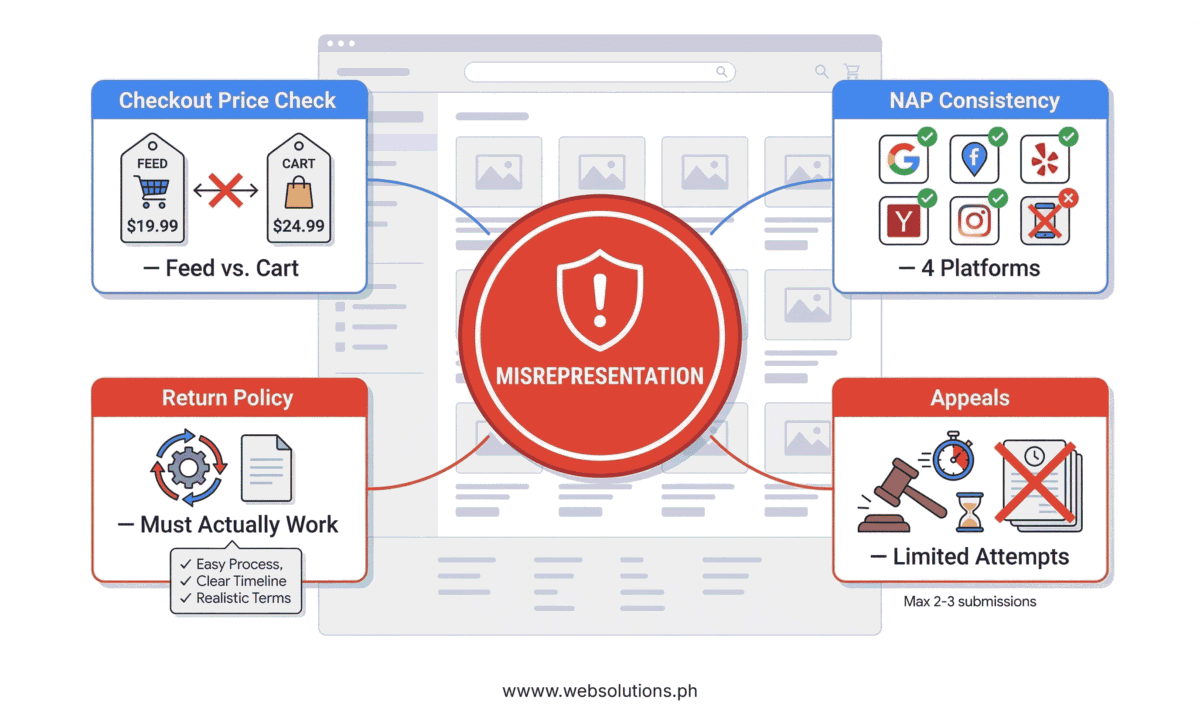
What they’re looking for: does the price in your feed match what appears at checkout? If your feed advertises a product at $49 but the cart loads at $54 because of a processing fee or mandatory add-on that wasn’t disclosed upfront, that discrepancy is a direct misrepresentation trigger. The crawler doesn’t need a human reviewer to flag it. It logs the mismatch automatically.
This catches a lot of legitimate stores off guard — especially after platform migrations, theme updates, or any change that touches checkout logic. The fix is straightforward: run your own checkout manually, compare the cart total to your feed price, and make sure every fee is either reflected in the feed or clearly disclosed before the customer commits.
Your Business Identity Has to Be Consistent Across Four Platforms
This is the one that trips up legitimate businesses most often, and it has nothing to do with product data.
Google cross-references your business name, address, and phone number across Merchant Center, your Google Ads account, your Google Business Profile, and your website. All four. If your Merchant Center shows “Web Solutions PH” but your website footer says “Web Solutions Philippines” — that’s a mismatch. If your Google Ads billing has an old phone number you updated everywhere else but forgot there — that’s a flag.
To Google’s automated trust system, inconsistencies like these signal that the business identity might not be verifiable. It doesn’t matter that you know they’re the same company. Fix it by auditing every Google property you’re connected to and making the details identical, character for character.
Your Return Policy Needs to Actually Work
Google’s October 2025 update added something specific and worth paying attention to: “broken refund processes” are now a named enforcement example in the misrepresentation policy.
Not a vague warning — a concrete, documented example of what gets flagged.
What this means in practice: having a return policy page isn’t enough. That page needs to clearly explain the return window, who pays for return shipping, the refund timeline, and what condition items need to be in. And the process it describes has to be real and functional — meaning there’s a working email address, a real contact form, or a phone number that actually reaches someone.
A lot of stores have a policy page that was copied from a template, never updated to reflect their actual process, or links to a contact method nobody monitors. All of that now falls within Google’s enforcement scope.
The Appeals Process Has a Hard Limit — Use It Carefully
Here’s the part most merchants learn the hard way.
You get a limited number of review attempts after a misrepresentation suspension. If you appeal before you’ve genuinely fixed the root cause — not just patched the surface symptom — Google logs that. And each failed appeal makes the cooldown period longer before you can try again.
The merchants who get reinstated fastest aren’t the ones who appeal immediately. They’re the ones who fix every issue thoroughly, then submit a clear written change log with their review request documenting exactly what was updated and when.
Don’t appeal out of frustration. Appeal because the work is done.
What to Do Before You Hit “Request Review”
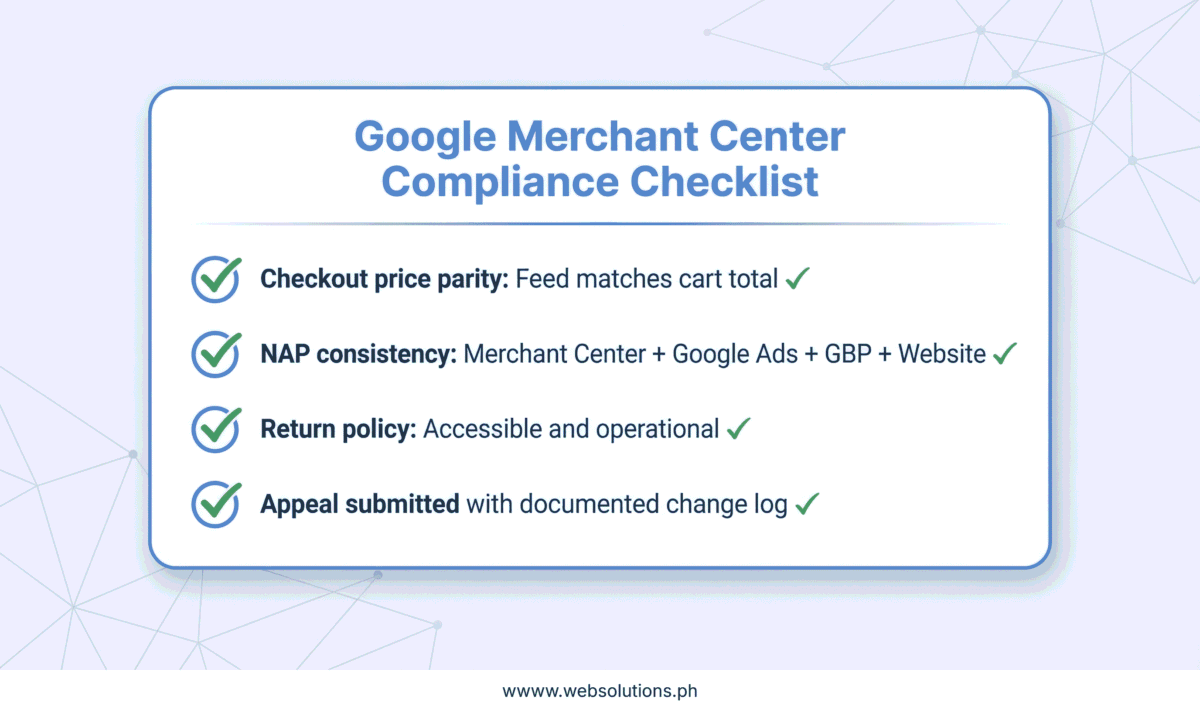
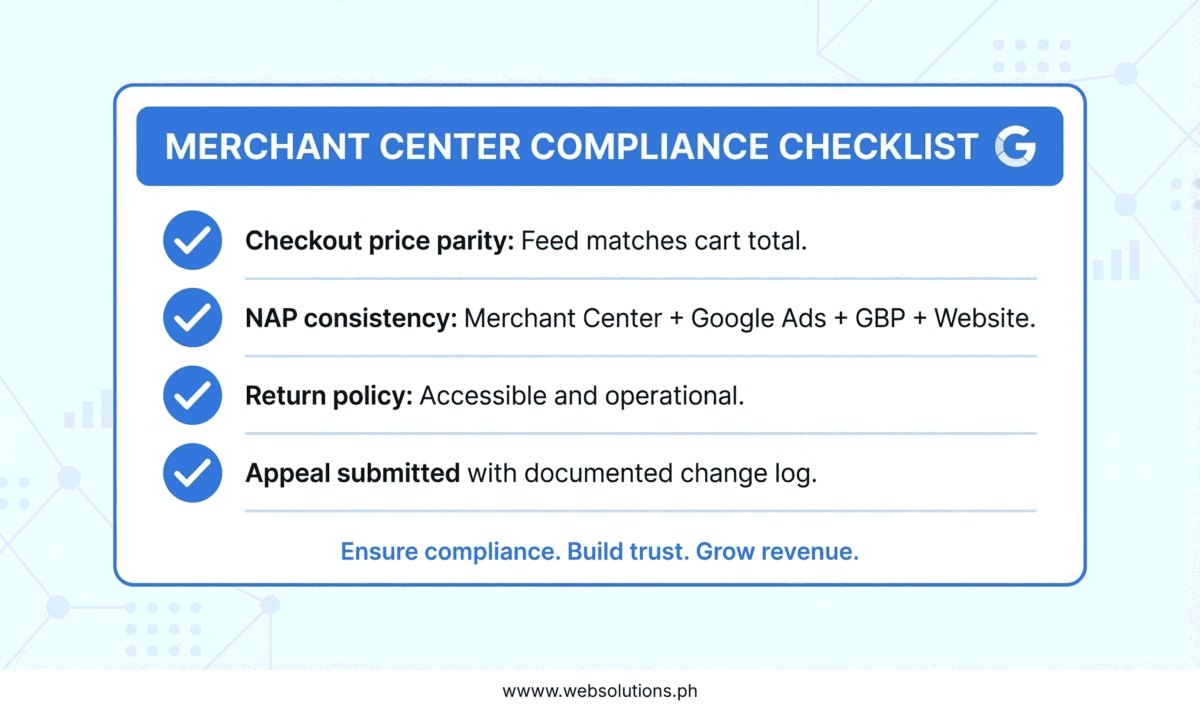
Run through your checkout manually and compare the total to what’s in your feed. Check your business name, address, and phone number across all four Google platforms — Merchant Center, Google Ads, Google Business Profile, and your website. Read your return policy like a first-time customer and verify the process it describes is actually functional. Then document every change you made before you submit the appeal.
If you want someone who audits all of this as part of their regular Google Shopping management work, I’m available for campaign management and account reviews on Upwork 👉 https://www.upwork.com/freelancers/nazdiocampoaimarketing
